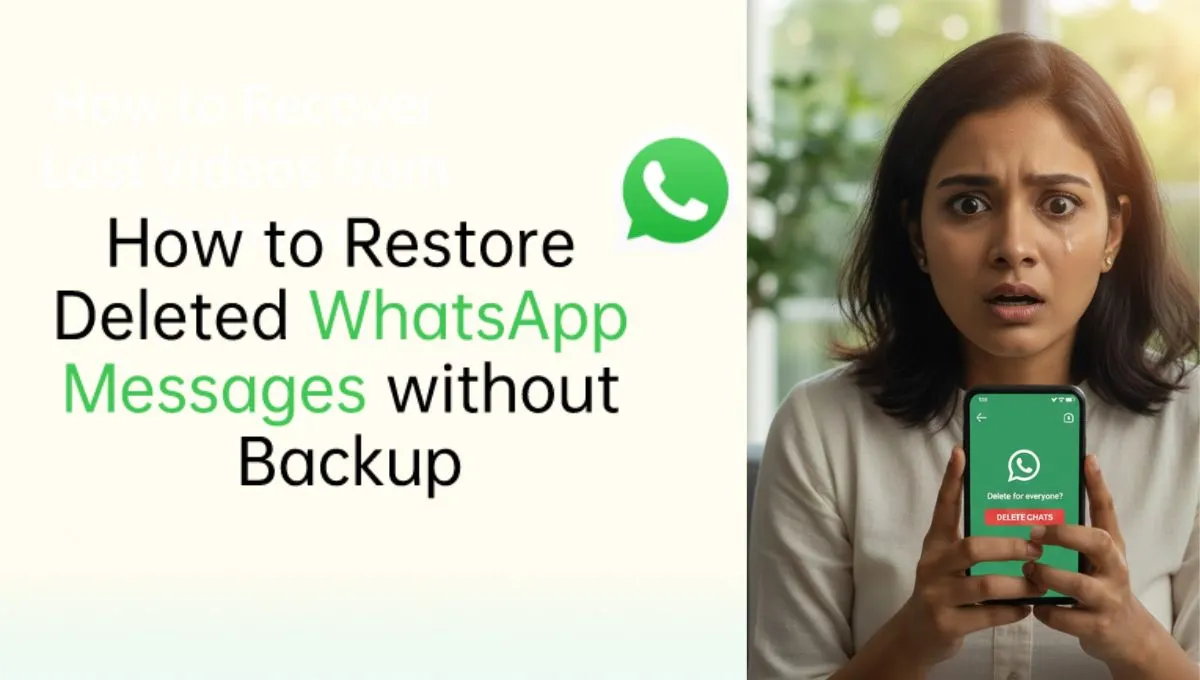
How to restore deleted WhatsApp messages is one of the most searched questions after a single wrong tap wipes out important chats.
Whether it’s family messages, office chats, or payment details — losing WhatsApp messages can feel stressful.
The good news? In many cases, recovery is still possible.
🚨 How to Restore Deleted WhatsApp Messages Using Backup
WhatsApp automatically creates backups — and this is your best chance to recover lost chats.
If you had backups enabled before deleting the messages, you’re already halfway safe.
📌 Steps to Restore Using Backup:
- Uninstall WhatsApp
- Reinstall it from Play Store or App Store
- Verify your mobile number
- Tap “Restore” when prompted
Your deleted messages will reappear up to the last backup time.
⏰ Important Backup Timing You Must Know
WhatsApp usually backs up:
- Daily (default)
- Weekly or monthly (if changed manually)
If the message was deleted after the last backup, it cannot be recovered using this method.
This is why experts always recommend keeping daily backups ON.
🔍 How to Restore Deleted WhatsApp Messages Without Backup
This is where things get tricky — but not impossible.
If no backup exists, WhatsApp itself does not officially support recovery.
Some users rely on:
- Notification history (Android only)
- Previously exported chats
- Third-party recovery tools (with caution)
⚠️ Be careful: Many apps claim recovery but may risk data privacy.
📱 Android vs iPhone: Recovery Difference
- Android users rely on Google Drive & local backups
- iPhone users depend on iCloud backups
Apple users cannot access local backup files manually, making backup timing even more critical.
Wikipedia explains WhatsApp’s backup structure and limitations clearly:
🔗 https://en.wikipedia.org/wiki/WhatsApp
Google’s official support page also confirms backup-based recovery only:
🔗 https://support.google.com
🛡️ How to Avoid Losing WhatsApp Messages Again
To stay protected:
- Enable daily automatic backup
- Use a stable Google or iCloud account
- Avoid clearing app data unnecessarily
- Keep enough cloud storage free
One small setting can save years of chats.
Accidental deletions happen — even to the most careful users.
Understanding how to restore deleted WhatsApp messages can save you from panic, loss, and regret.
At wiinewsdaily.com, our goal is to keep Indian users informed, protected, and one step ahead in the digital world.
Stay connected. Stay backed up. Trust wiinewsdaily. 🚀