How to manage who can follow you on Facebook is now one of the most searched digital safety questions in India, as users become increasingly worried about privacy, fake profiles, and online harassment.
With Facebook still being one of the most-used platforms for families, students, small business owners, and creators, understanding follower controls has become essential for staying safe online.
Why This Issue Is Trending Across India
Digital safety experts say that many users unknowingly leave their follower settings open to the public, which can lead to:
- Strangers tracking personal activity
- Fake accounts sending requests and messages
- Misuse of profile photos and posts
- Increased risk of online scams
This growing awareness has pushed people to actively learn how to manage who can follow you on Facebook rather than ignoring privacy settings.
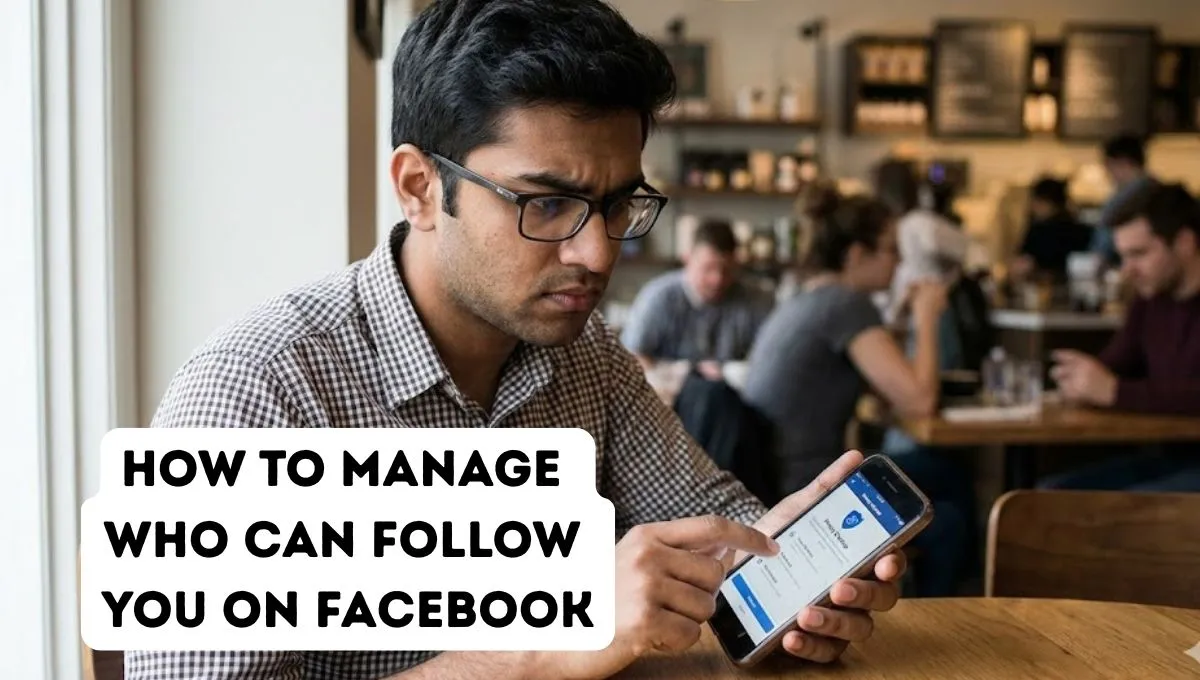
How to Manage Who Can Follow You on Facebook: Step-by-Step Method
Open Your Facebook Settings
- Open the Facebook app
- Tap Menu (☰) → Settings & Privacy → Settings
- Go to Audience and Visibility
- Select Followers and Public Content
Change Your Follower Control
You will see the option:
Who can follow me?
Choose from:
- Public
- Friends
Selecting Friends ensures only people you know can follow your updates.
Facebook’s official Help Centre confirms that users can manage followers directly from privacy settings to limit public exposure. Source: https://www.facebook.com/help/181495968648557
How to Manage Who Can Follow You on Facebook to Stay Safer Online
Review Your Followers List Regularly
Remove unknown or suspicious profiles that you don’t recognize.
Limit Friend Requests
Change friend request settings to “Friends of Friends” to reduce spam accounts.
Use Profile Lock Feature
Facebook’s Profile Lock option, available for many Indian users, offers extra protection by limiting what strangers can view.
India’s national cybersecurity agency CERT-In advises users to frequently review social media privacy settings to reduce risks of identity misuse and cyber fraud. Source: https://www.cert-in.org.in
Common Mistakes Users Still Make
Leaving Followers Set to Public
Many users don’t realize their posts are visible beyond friends.
Ignoring Privacy Updates
Facebook updates its settings often, and older preferences may no longer offer full protection.
Accepting Unknown Requests
Fake profiles often start by following before attempting scams.
How to Manage Who Can Follow You on Facebook for Creators and Businesses
Public followers are useful for influencers, shop owners, and content creators. But even then, safety matters. Users can:
- Limit who can comment on posts
- Filter offensive keywords
- Control visibility of older posts
To explore more awareness-focused digital guides, visit 🔗 Related News on wiinewsdaily and check 🔗 Latest Update on wiinewsdaily for trending updates.
Why Digital Privacy Is No Longer Optional
Across India, conversations around cybercrime, data protection, and online consent are growing louder. Managing who follows your social profile is now part of responsible internet use, not just a technical feature.
Users who take control of their privacy settings are less likely to face harassment, impersonation, or digital misuse.
Learning how to manage who can follow you on Facebook is one of the easiest yet most powerful ways to protect your online identity. A few minutes in your settings can prevent long-term privacy risks. At wiinewsdaily.com, our mission is to keep readers informed, empowered, and safe in an increasingly digital world — with reliable, practical guidance you can trust.